Migrating from TeleBotCreator
Bring your bot export from TeleBotCreator (or a similar platform) into NxCreate.
If you already built a bot on TeleBotCreator or a similar platform, you don't need to rewrite it by hand — you can import it directly.
1 — Export your bot
From your old platform, export your bot as a JSON file. It should look roughly like this:
2 — Create a bot on NxCreate
Add your bot to NxCreate the normal way — paste your @BotFather token and choose the Python framework. This gives you an empty bot ready to receive commands.
3 — Import your commands
Open your bot, go to Settings, and find Import Bot Script. You can either:
- Click to upload (or drag in) the
.jsonfile you exported, or - Paste the JSON directly into the box.
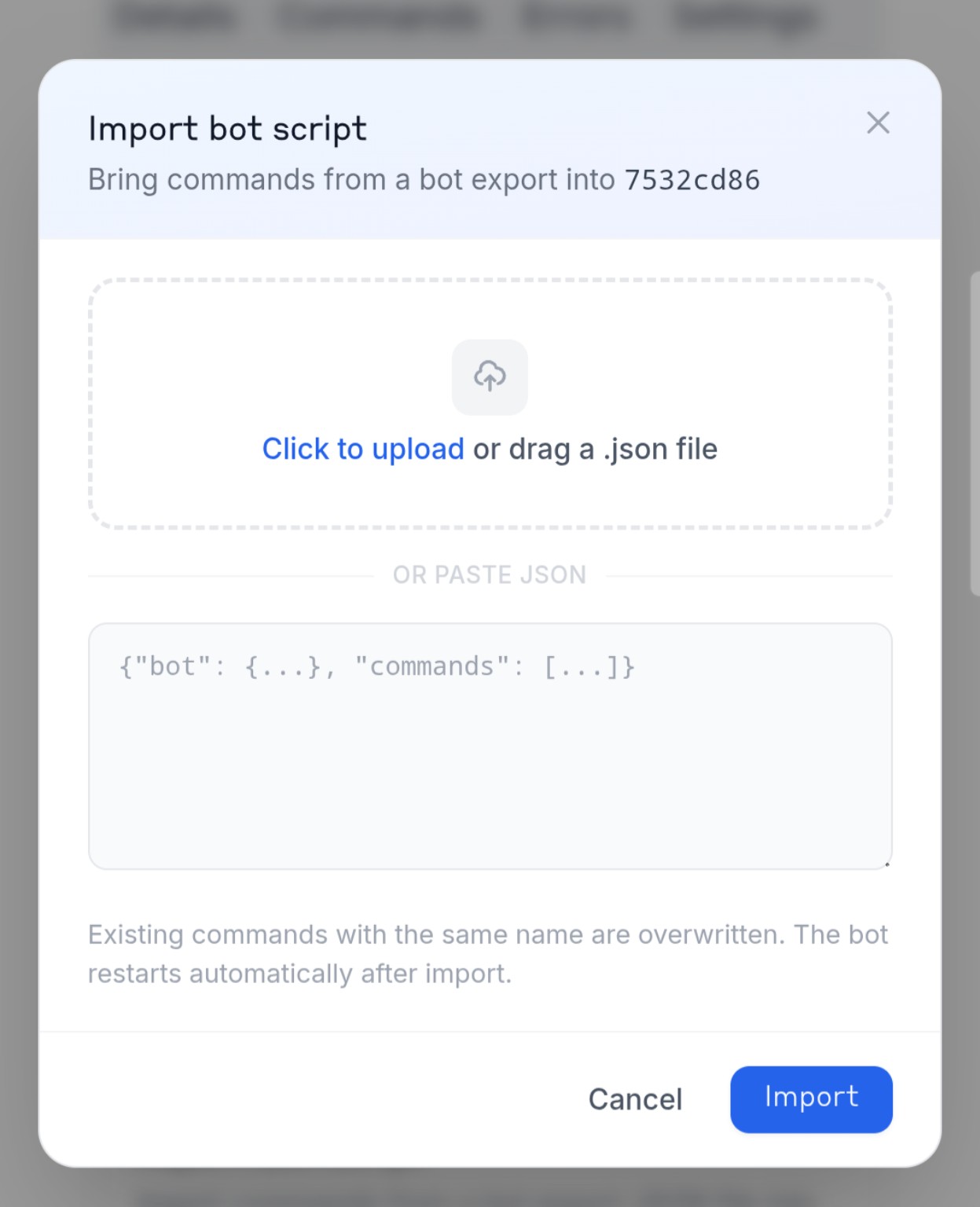
Click Import Script, then confirm with Import. Your commands are loaded straight into the bot — no manual copy-pasting of code needed.
4 — After importing
The bot restarts automatically once the import finishes, so your imported commands go live right away — no extra step needed.
Bot token & data
Your bot token isn't part of the export — it stays whatever you set when you created the bot on NxCreate. If you need to change it, use Update Bot Token in Settings.
Anything your old bot stored per-user or bot-wide (points, balances, settings, etc.) doesn't come across in the script import — only the commands themselves do. If you need to bring that data over too, use DB Props in Settings to edit your bot's stored data directly.
Bot/User/libs globals work on NxCreate.